Quick & accurate restoration
Advanced technology handles the details — clean up scratches, sharpen faces, and improve clarity automatically.
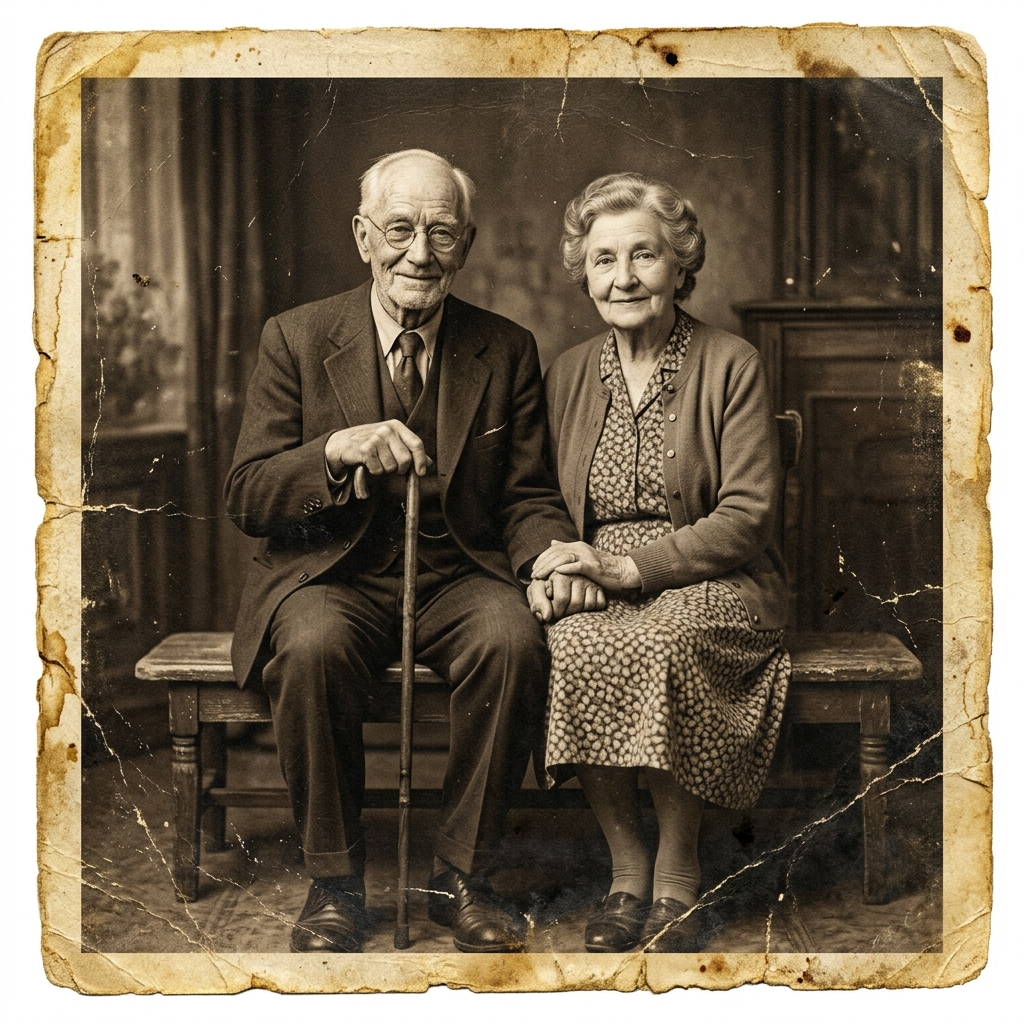
Restore old photos online with our free, fully automatic photo restoration tool in seconds. Enhance your photo resolution quickly to relive your favorite memories.
Free to use · No sign-up required · Under 15 seconds
4.9 / 5
Restoration experience rating
100%
Fully automatic restoration
3 Modes
Natural · Repair · Colorize
Give RestoR a try to see for yourself why it's the go-to restoration tool.
Advanced technology handles the details — clean up scratches, sharpen faces, and improve clarity automatically.
Bring blurry, faded, or aged photos back to life in just a few clicks — no wait, no hassle.
Choose Natural, Repair, or Color mode to get exactly the restoration style you need for each photo.
Three simple steps — upload, restore, download. That's it.
Choose a faded, damaged, blurry, or black-and-white source image to restore.
RestoR repairs damage, sharpens detail, and rebalances tone and color instantly.
Save your restored photo in full resolution or try a different mode for another finish.
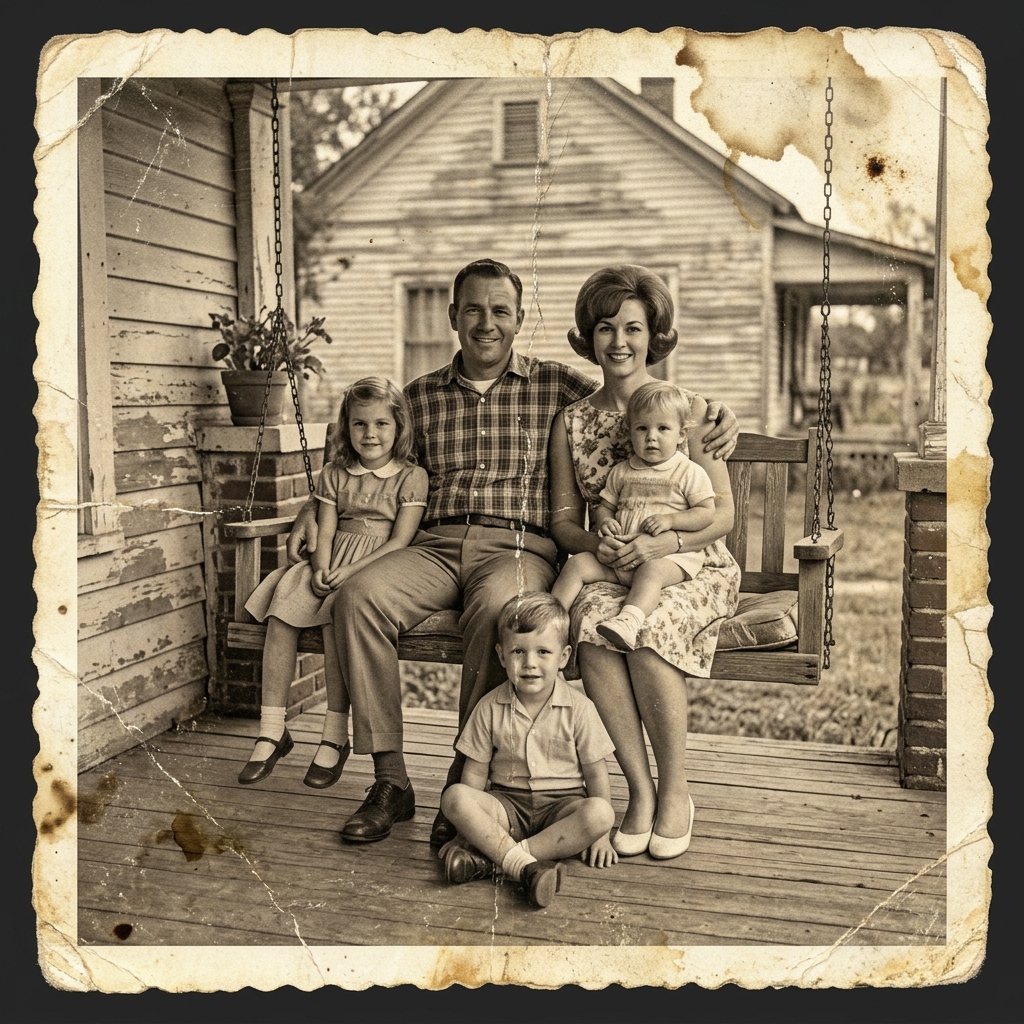
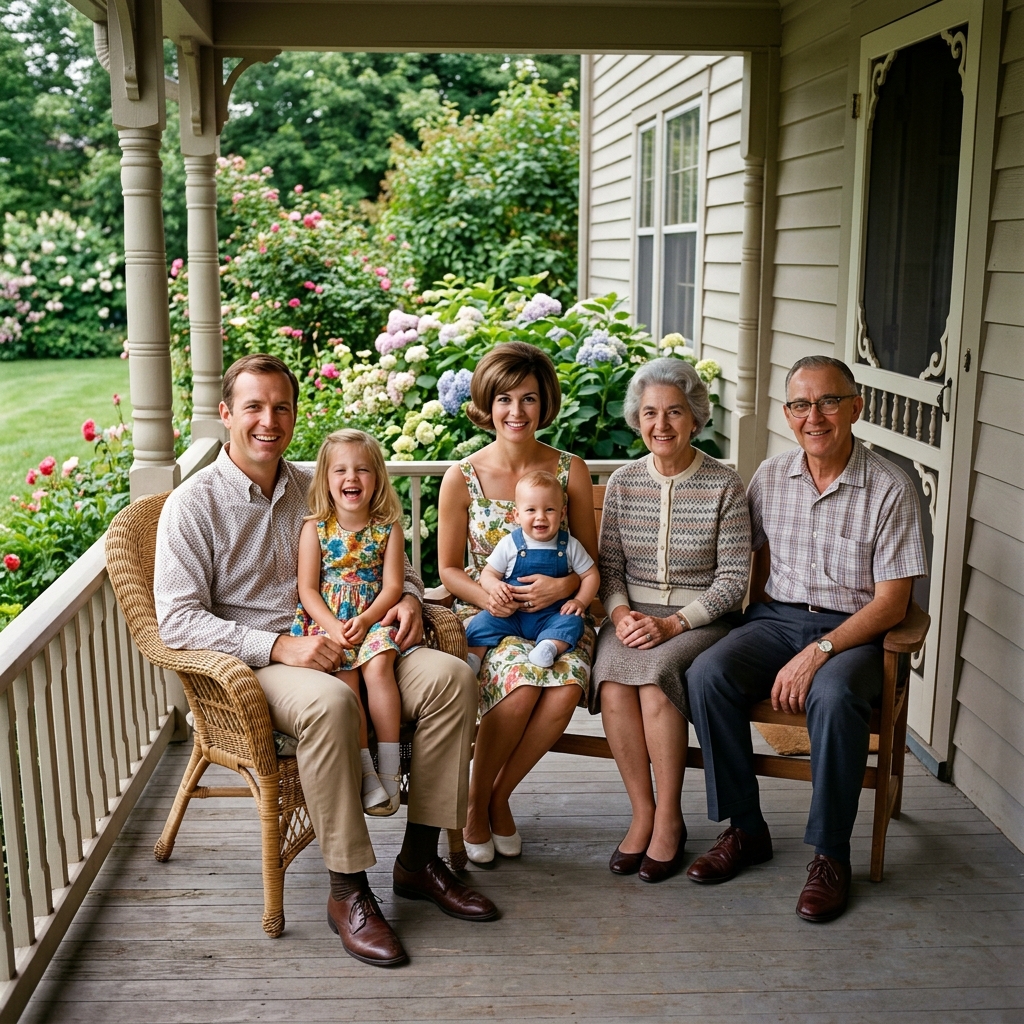
Want to relive your favorite memories? With RestoR's state-of-the-art technology, you can effortlessly recover old images. From blurry captures to color fading and scratches, RestoR automatically transforms your photos by increasing sharpness, saturation, and more.
Try it now →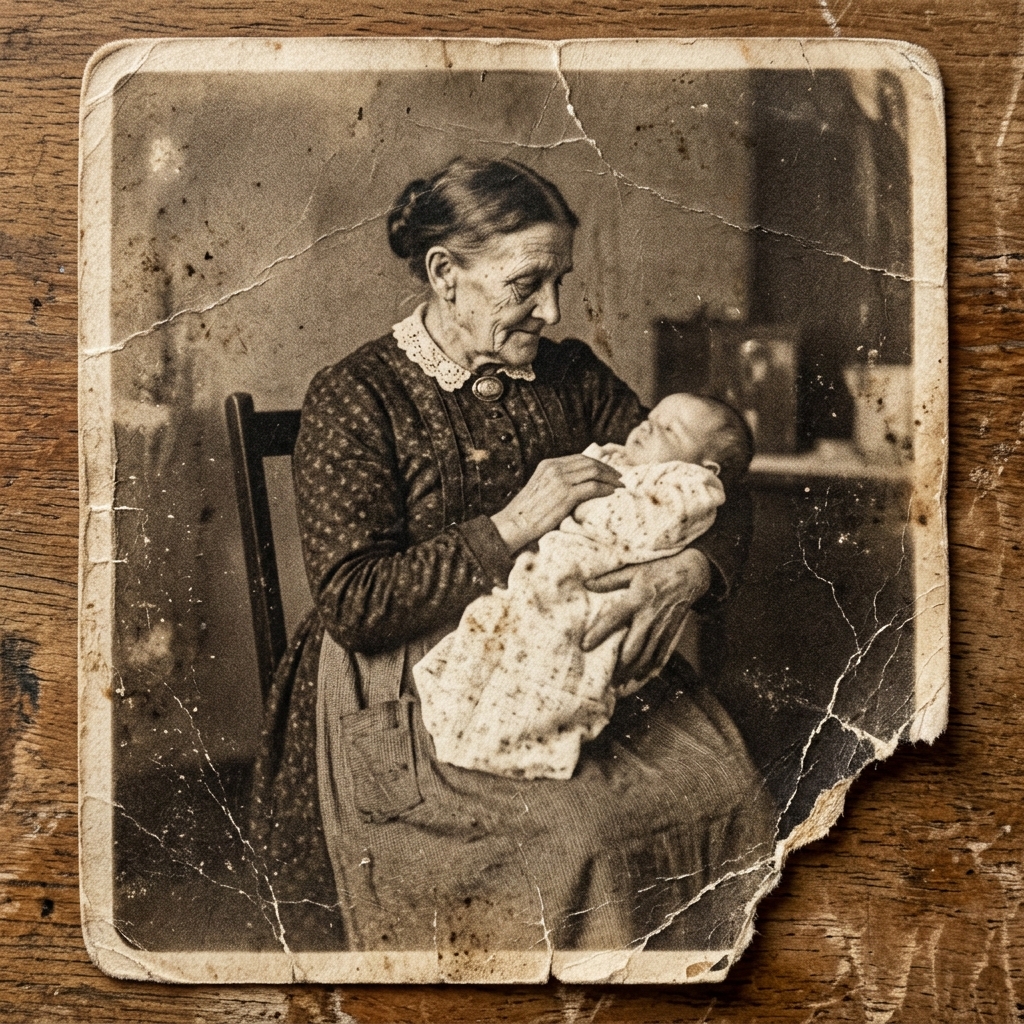
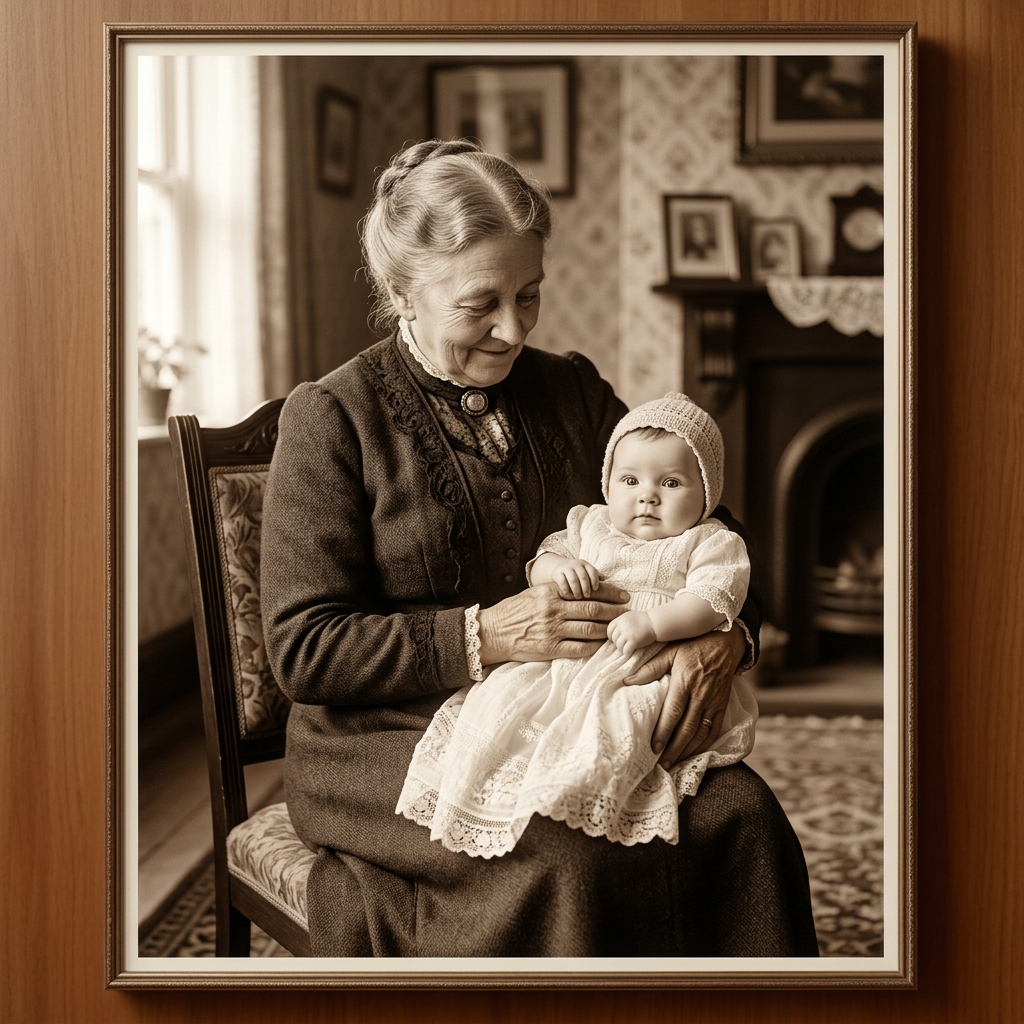
Nothing beats the nostalgia of cherishing old memories. With our advanced restorer, you can relive precious moments — all while saving your family history in digital form. Renew old photos, boost quality, and transform them into print-worthy pieces.
Try it now →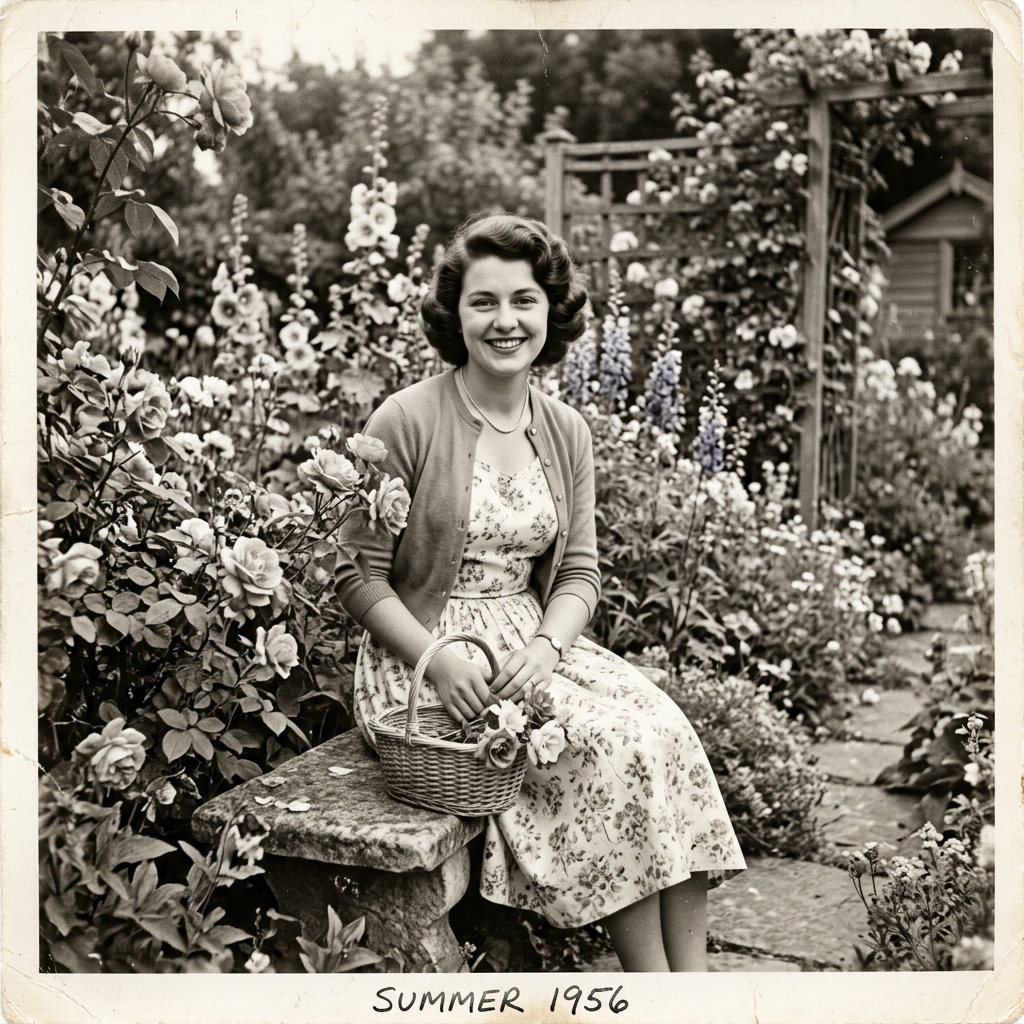

Old photo restoration goes beyond fixing scratches. Use Color mode to add a pop of color to vintage black-and-white or faded pictures. Breathe new life into old photos with vibrant, natural colors.
Try it now →A complete suite of powerful tools to enhance, repair, and transform your photos.
Quick answers about photo restoration with RestoR.
Upload a photo and we do the rest. No sign-up, no hassle.
Start restoring for free →Ready to restore your old photos?
Free, automatic, instant restoration